References
Add links to documentation and resources related to your SaMD projects, such as regulations, guidelines and mockups. Your team members reach them directly from Mia-Care P4SaMD.
Overview
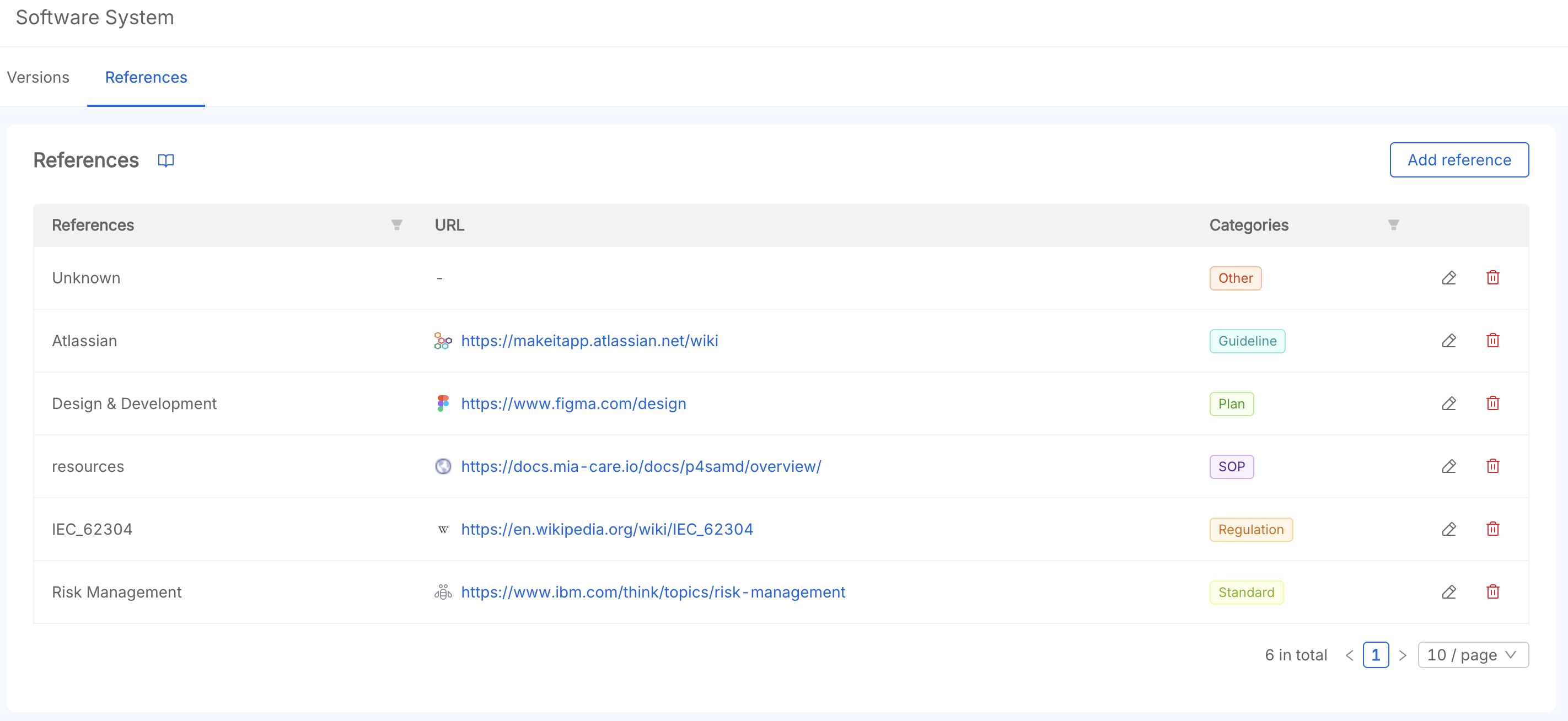
The table lists each project reference with its name, URL, and category. Open it from the References tab on the product page.
1. Create a Reference
To add a reference:
-
Click the "Add reference" Button This opens a modal to create a new reference.
-
Fill in the Required Fields
Fill out the following fields:- Reference title: the name of the reference (e.g. GDPR).
- Reference URL: the URL of the reference
- Reference category: the type of reference, you can choose between:
PlanSOPStandardRegulationGuidelineOther
-
Save the New Reference
Click the "Add Reference" button at the bottom of the modal to save the new reference.
2. Reference Table
Each reference holds:
- Title (required): The name of the reference.
- URL: The URL to the reference web page
- Category (required): The category of the reference.
3. Reference Actions
In the last column, click the icons to edit or remove a reference. Once removed, a reference is permanently deleted and cannot be recovered.